 CreativeMegaMind
What it does
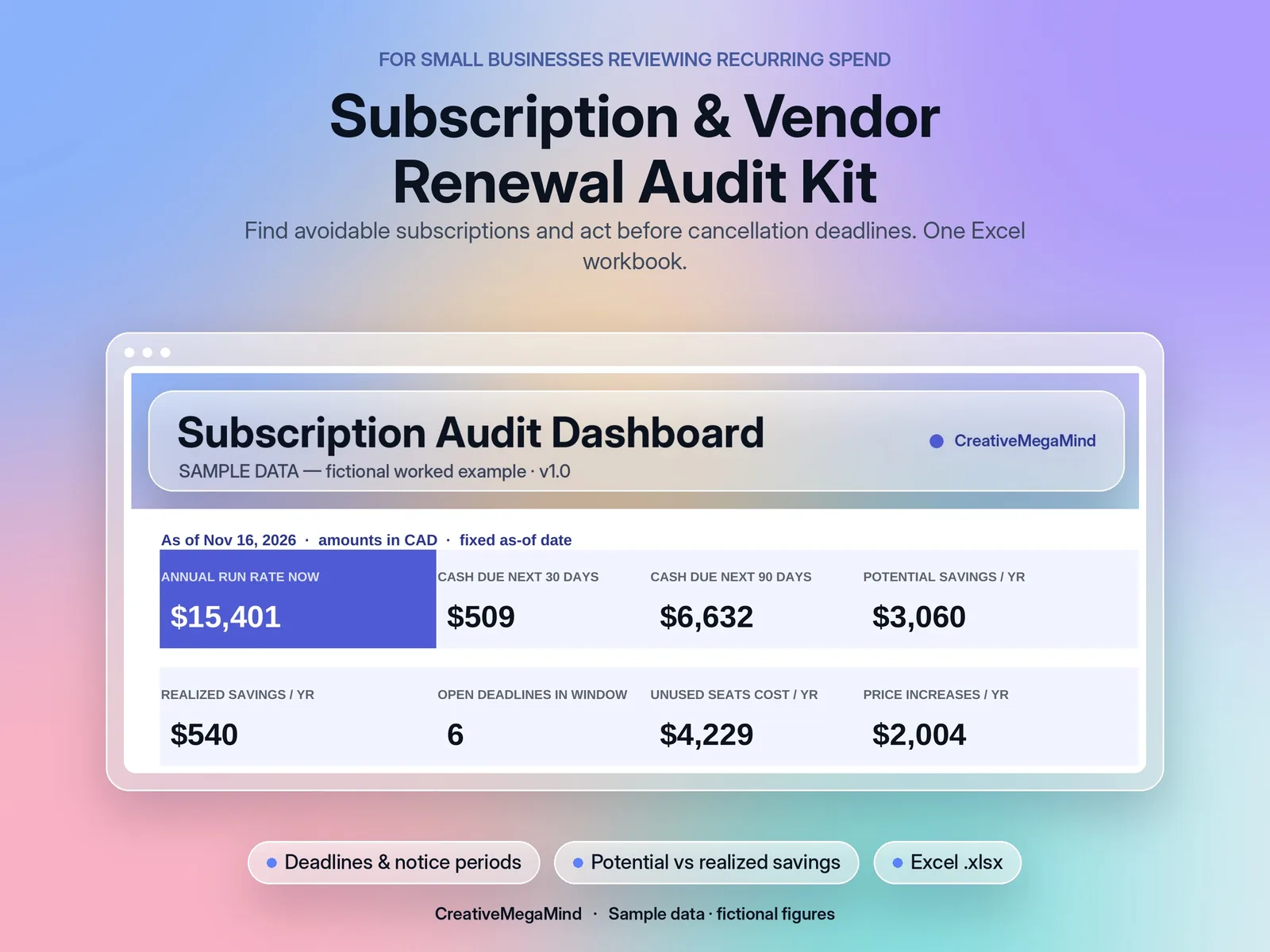
Subscriptions creep. A tool bought for one project keeps renewing, a price goes up quietly, two apps do the same job, and the cancellation window closes 30 days before the renewal you didn't notice. This kit puts every recurring cost in one register and does the arithmetic for you. Enter each service's billing frequency, price, currency, seats, active users, next renewal date and notice period. The kit converts everything to your reporting currency with exchange rates you enter, then shows the annualized cost, cost per active user, the cost of unused seats, any price increase, overlapping services in the same category, and the cancellation deadline with days left from a fixed as-of date.
- Vendor register for up to 60 services, monthly, quarterly or annual billing
- Up to 10 currencies with editable FX rates (no live rates)
- Annualized cost and monthly run rate in your reporting currency
- Cost per active user, with a clear message instead of an error when active users = 0
- Unused seats and their annual cost
- Previous vs current price: % change and annual impact
- Next renewal on or after the as-of date (past dates roll forward), cancellation deadline and days left
- Overlap check by category
- Keep / Review / Downgrade / Cancel decisions with owner, action date and status
- Potential vs realized savings
- Dashboard by category and next deadlines; monthly cash due vs run rate
What's inside
Workbook tabs: Start Here · Dashboard · Settings · Vendors · Monthly Cash · Cash Schedule. Download: one .zip with 2 Excel workbooks (.xlsx), a PDF user guide and a licence.
Who it's for
- Small businesses, agencies and freelancers reviewing recurring software and vendor spend.
Frequently asked questions
What's the difference between run rate and cash due?
Run rate spreads every subscription evenly (annualized ÷ 12). Cash due is what actually leaves in each month based on billing dates, so an annual plan shows up as one large payment.
Why set an as-of date?
So a report gives the same answer next week. Leave it blank to use today's date.
What if nobody uses a tool?
Cost per user shows "No active users" instead of an error, and every seat counts as unused.
Can I track more than 60 vendors?
Yes. Unprotect the sheets and insert rows; the guide shows how.
Does it work in Google Sheets?
It hasn't been tested there yet. It's built for Microsoft Excel.
You might also like
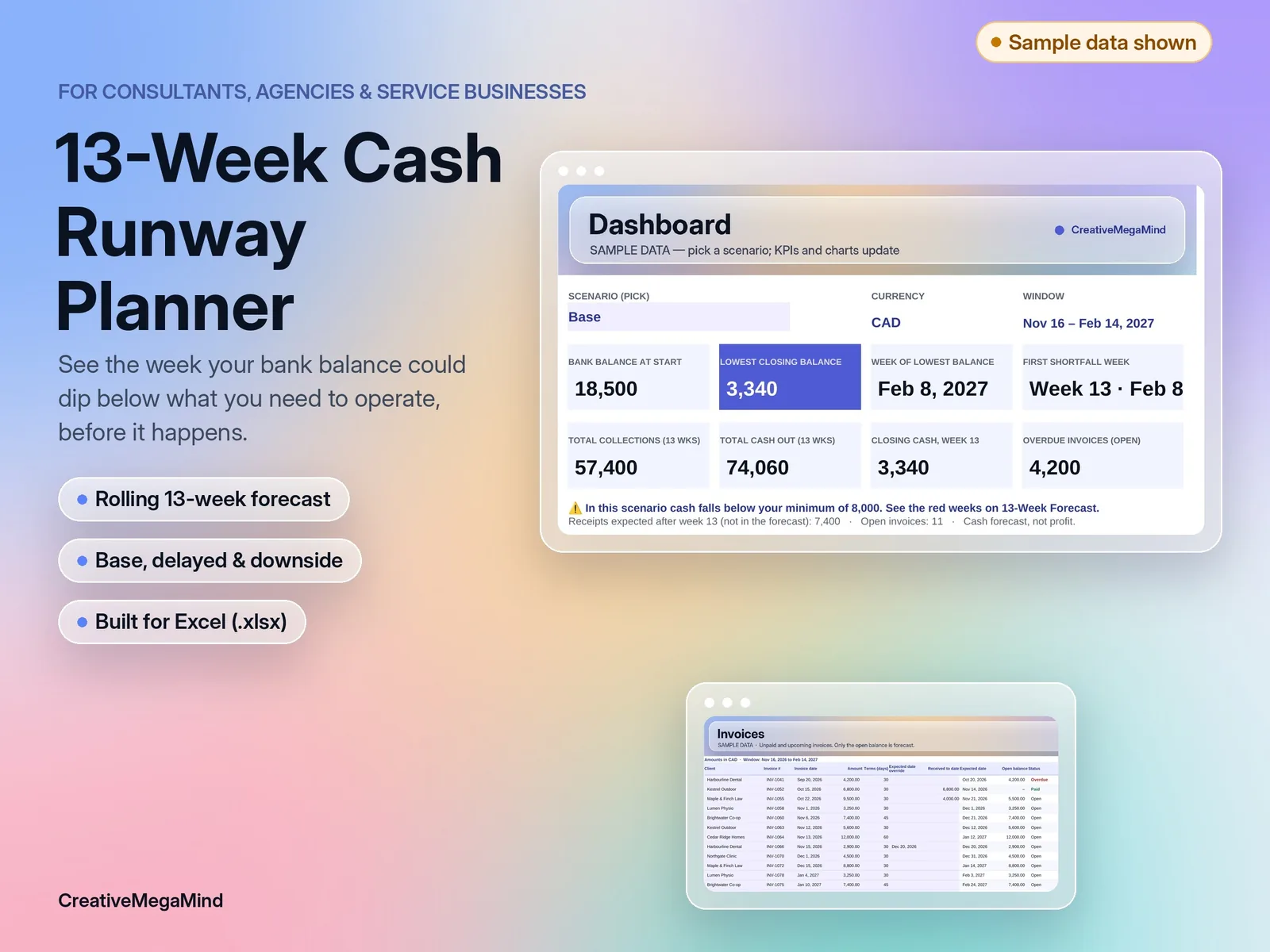
Service Business Cash Runway Planner
A rolling 13-week cash forecast for consultants, agencies and service businesses. Invoices, payroll, owner draws and bills, week by week, with late-payment and downside scenarios. Excel template with a worked example.
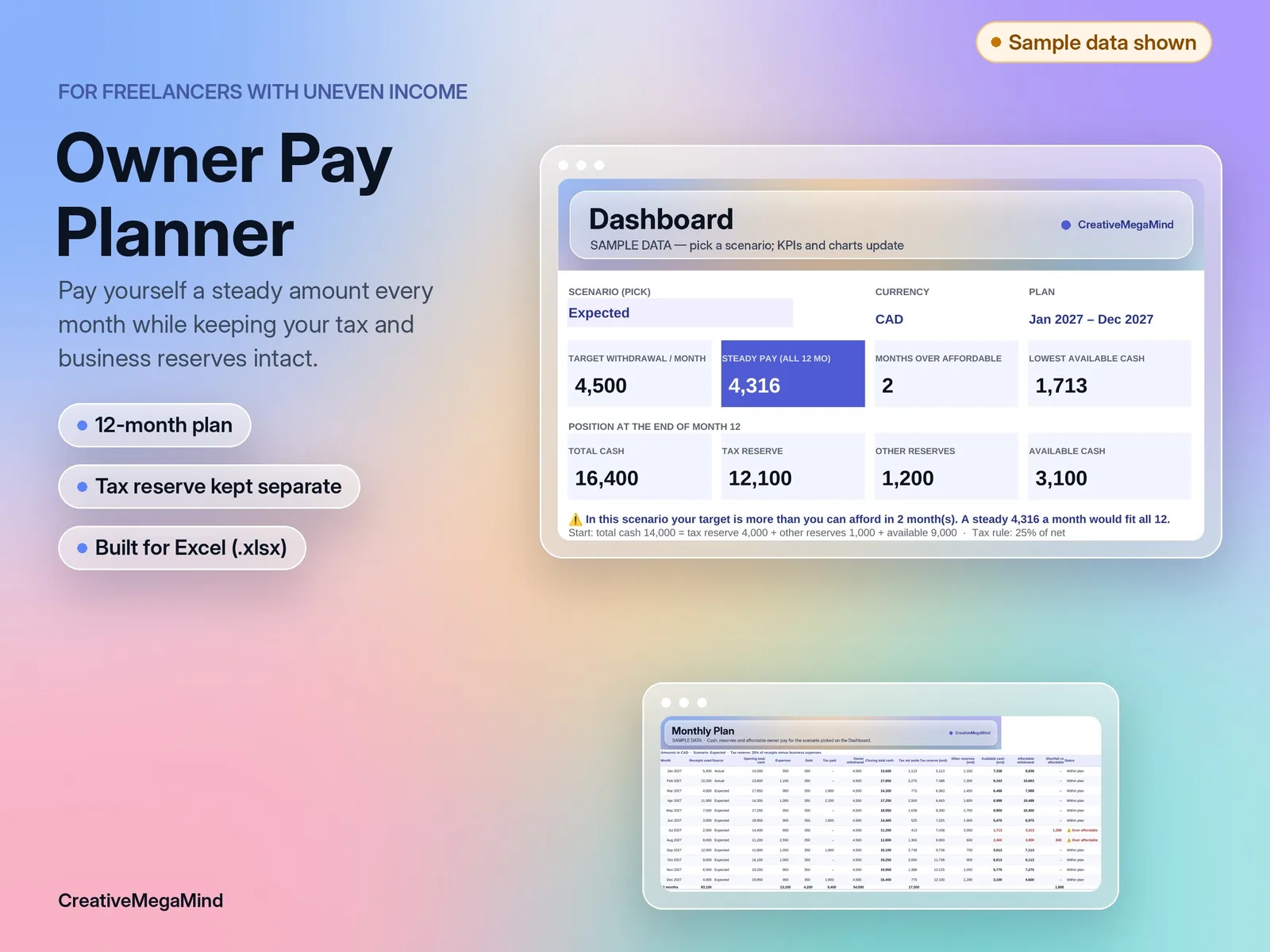
Freelancer Owner Pay Planner
Plan a steady monthly owner withdrawal from uneven freelance income while keeping your tax reserve and business cushion intact. 12-month Excel plan with a worked example.
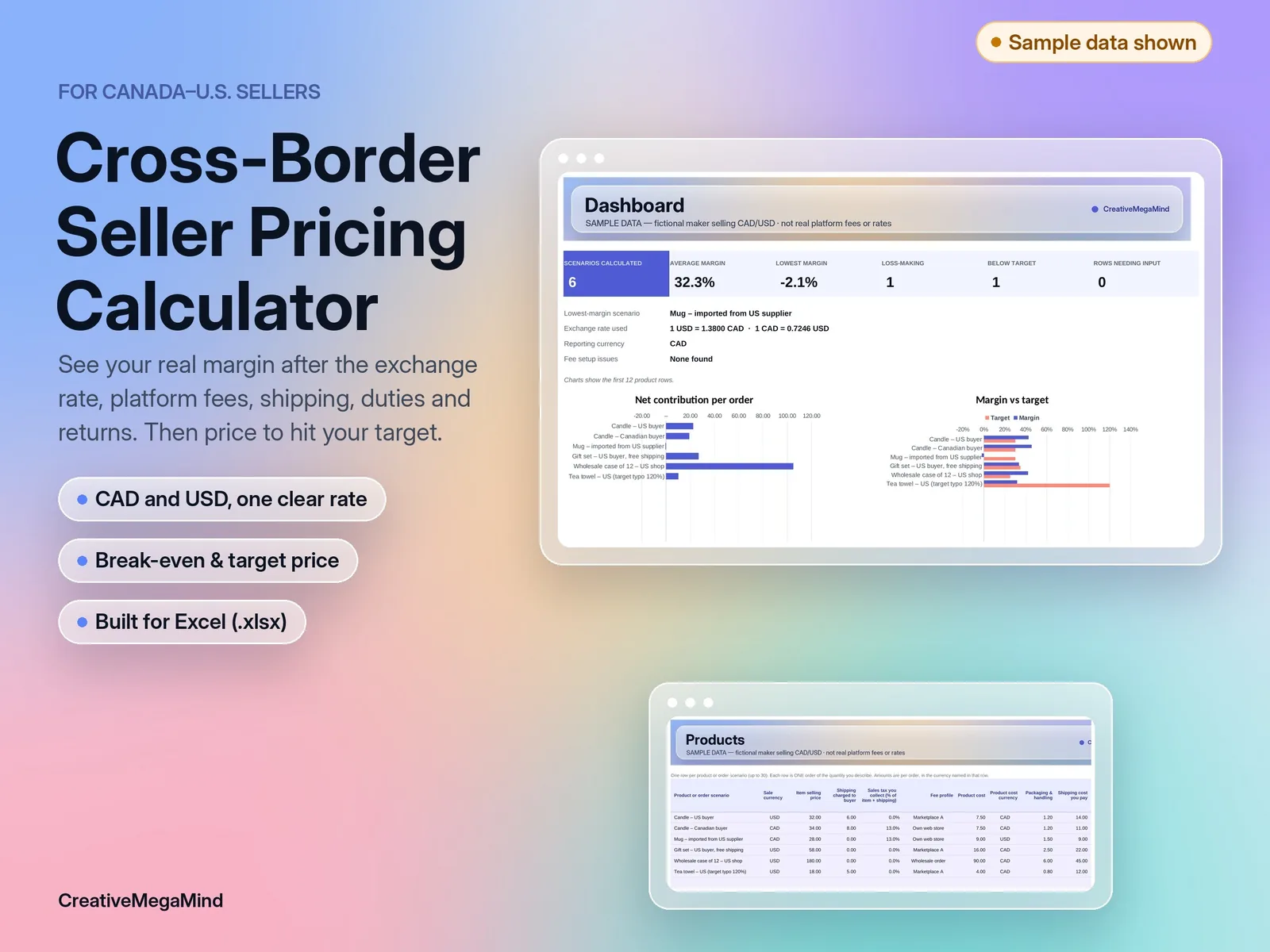
Canada–U.S. Seller Profit & Pricing Calculator
Enter one exchange rate, your platform and payment fees, costs, shipping, duties and return rate. See net contribution and margin per product in one currency, plus the break-even and target-margin price. Excel template with a worked example.