 CreativeMegaMind
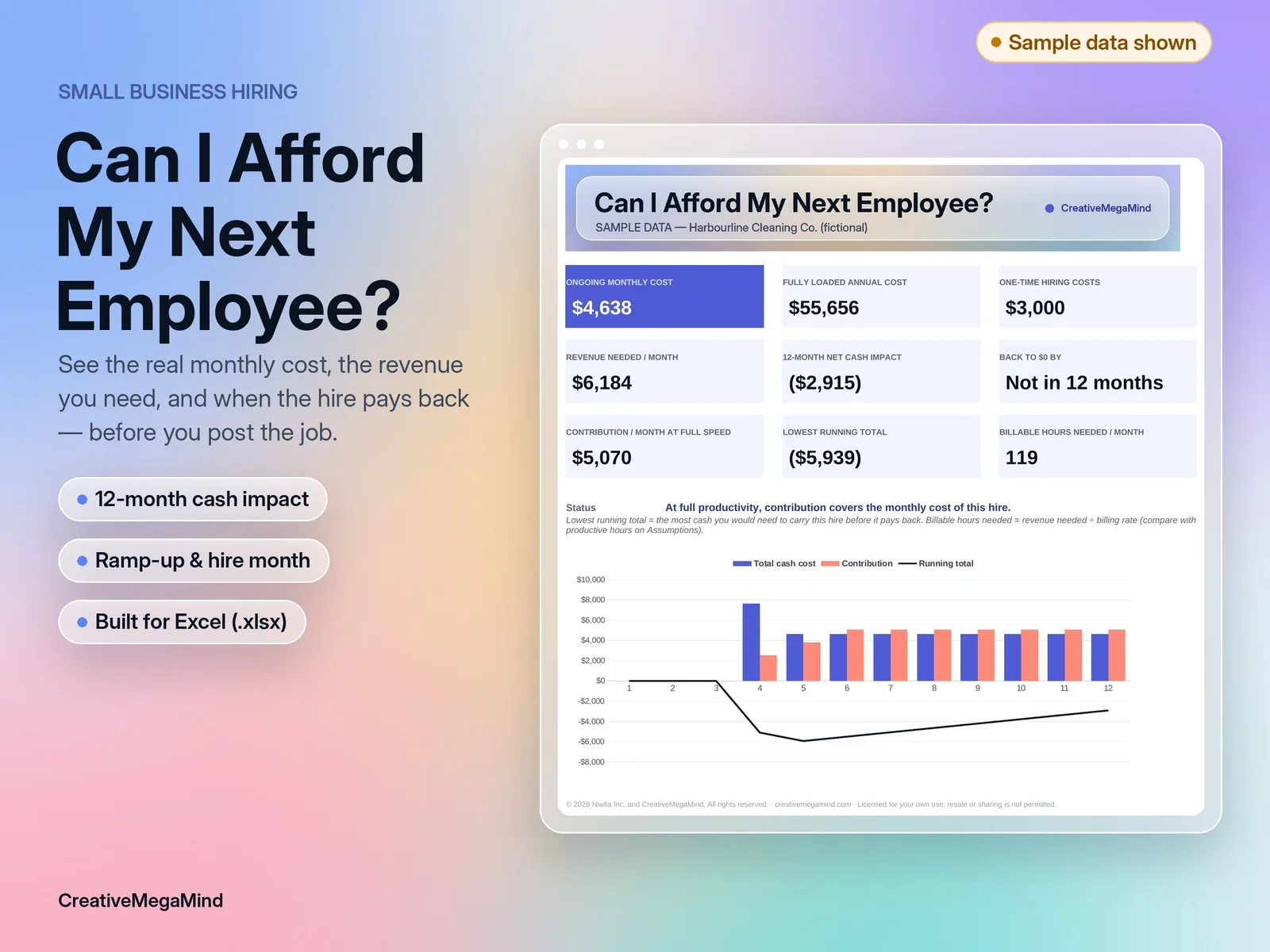
What it does
A first or next hire is one of the biggest commitments a small business makes. The wage is only part of it: employer payroll costs, benefits, equipment, recruitment, onboarding, and the months it takes a new person to get up to speed all hit your cash before the hire starts paying for itself. This calculator puts all of that on one page. Choose salary or hourly pay, set paid and productive hours, enter your own employer burden %, and add one-time costs in the hire month. Set how productive the person is in month one and how many months it takes to reach full speed. Then tell it how the hire earns revenue — billable hours × rate, or a monthly revenue figure — and your contribution margin.
- Salary or hourly pay, paid hours, paid weeks and productive share
- User-entered employer burden %, benefits and other monthly costs
- One-time recruitment, onboarding and equipment costs in the hire month
- Hire in any month 1–12 of the plan
- Straight-line productivity ramp-up
- Revenue by billable hours × rate, or monthly revenue, with a contribution margin
- Monthly and annual cash cost; revenue needed per month
- 12-month cash impact, running total, lowest point and back-to-$0 month
- Conservative, Base and Optimistic scenarios
- Employee vs contractor first-year cost and cost per productive hour
What's inside
Workbook tabs: Start Here · Assumptions · Dashboard · Monthly Plan · Scenarios · Employee vs Contractor. Download: one .zip with 2 Excel workbooks (.xlsx), a PDF user guide and a licence.
Who it's for
- Small business owners and managers deciding whether to make a hire, when to start it, and what the role needs to bring in.
Frequently asked questions
Does it calculate CPP, EI, FICA or FUTA for me?
No. Those rates change every year and depend on location, so you enter your total employer burden %. The Assumptions tab lists what to include.
Can it tell me whether to use a contractor or an employee?
It compares cost only. Legal classification depends on the working relationship, not cost — get professional advice.
What if the person starts partway through the year?
Set the hire month (1–12). Earlier months carry no cost for the hire, and one-time costs land in the hire month.
What is contribution margin?
The share of the revenue this person brings in that's left after direct delivery costs (materials, supplies, card fees), before their own pay.
Does it work in Google Sheets?
It hasn't been tested there yet. It's built for Microsoft Excel.
You might also like
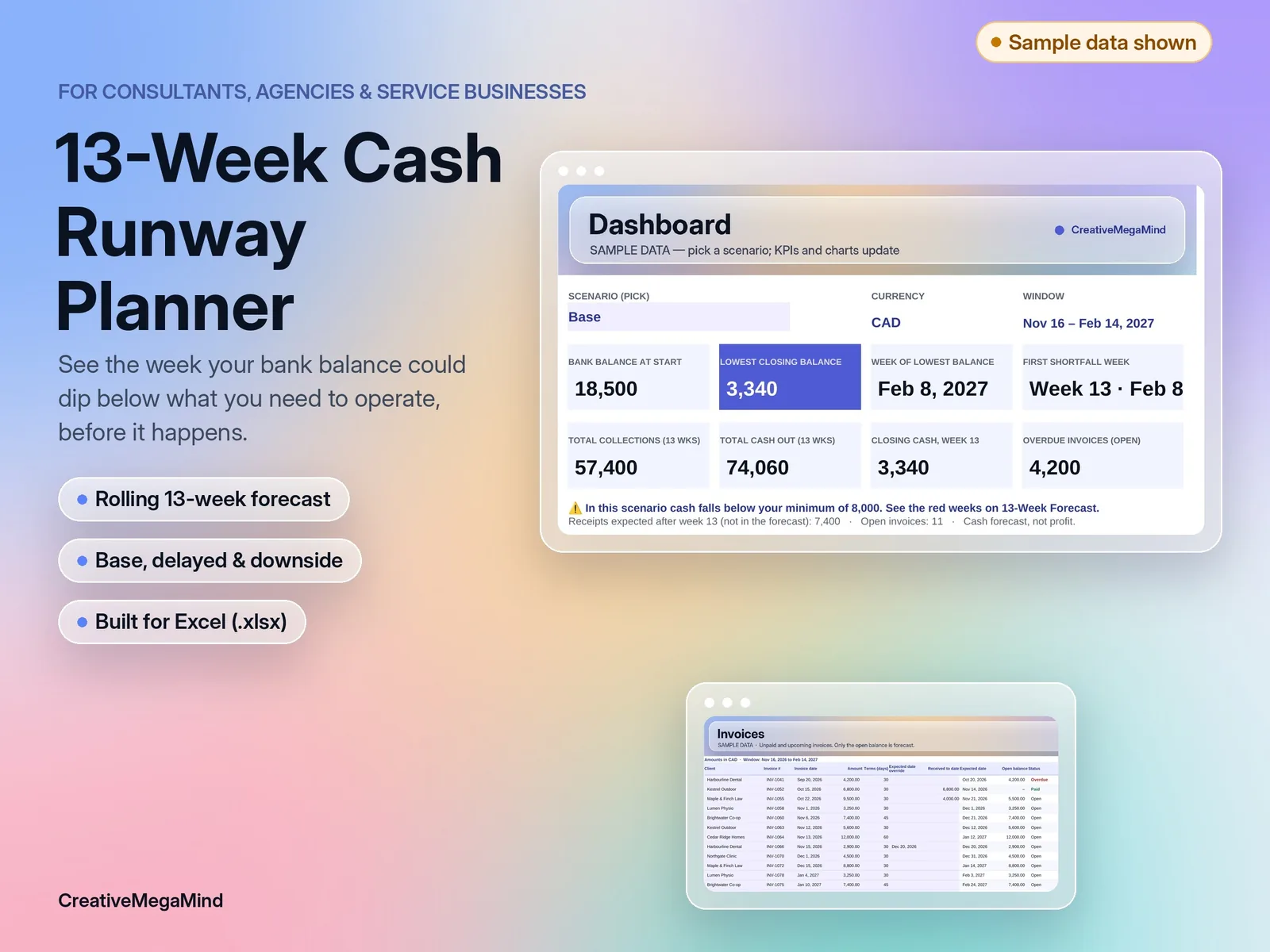
Service Business Cash Runway Planner
A rolling 13-week cash forecast for consultants, agencies and service businesses. Invoices, payroll, owner draws and bills, week by week, with late-payment and downside scenarios. Excel template with a worked example.
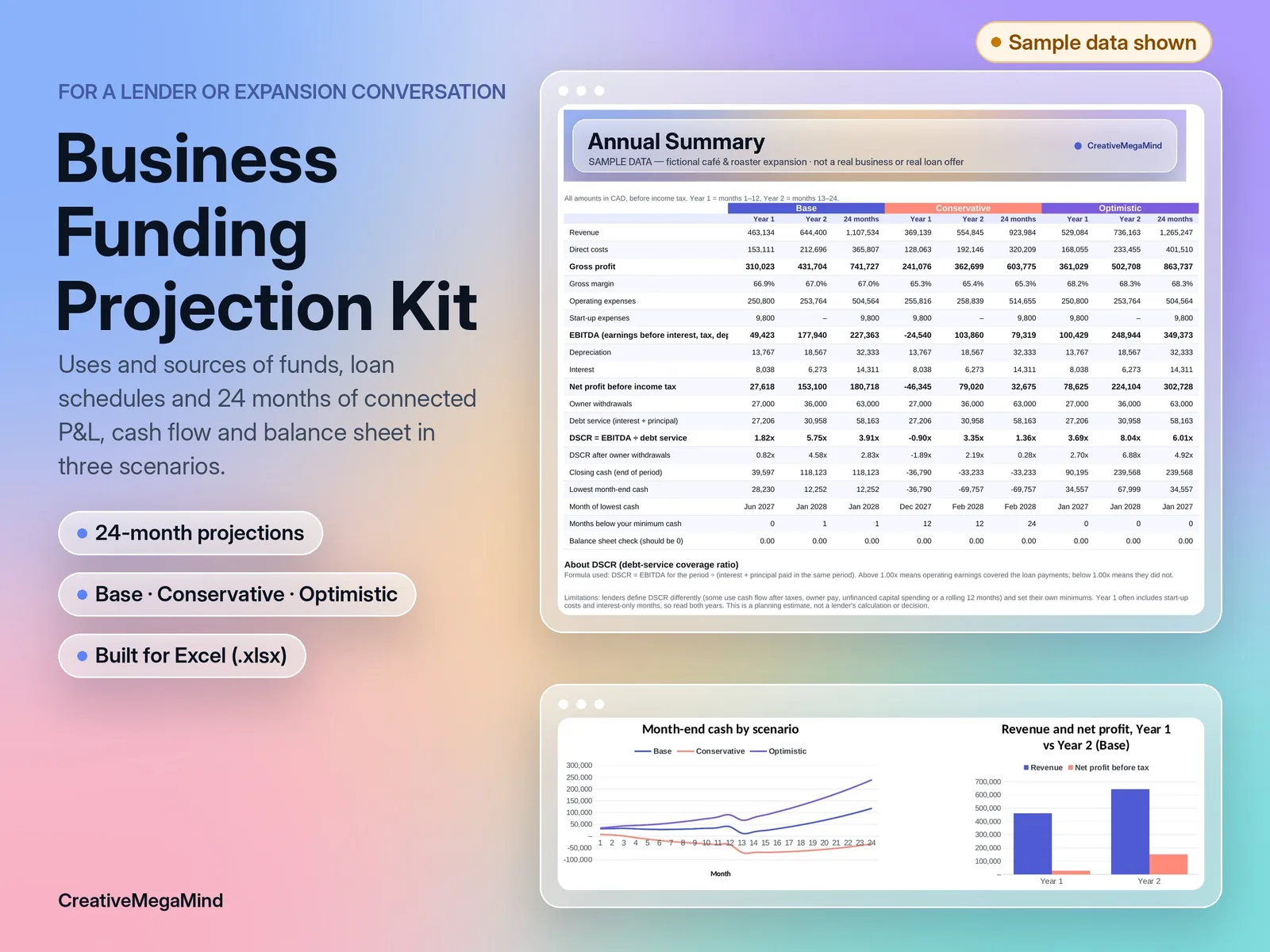
Small Business Funding Projection Kit
Plan an expansion or start-up loan: uses and sources of funds, up to 2 loan schedules, and 24 months of connected profit and loss, cash flow and balance sheet in base, conservative and optimistic scenarios. Includes DSCR, a print-ready Funding Summary and a document checklist.
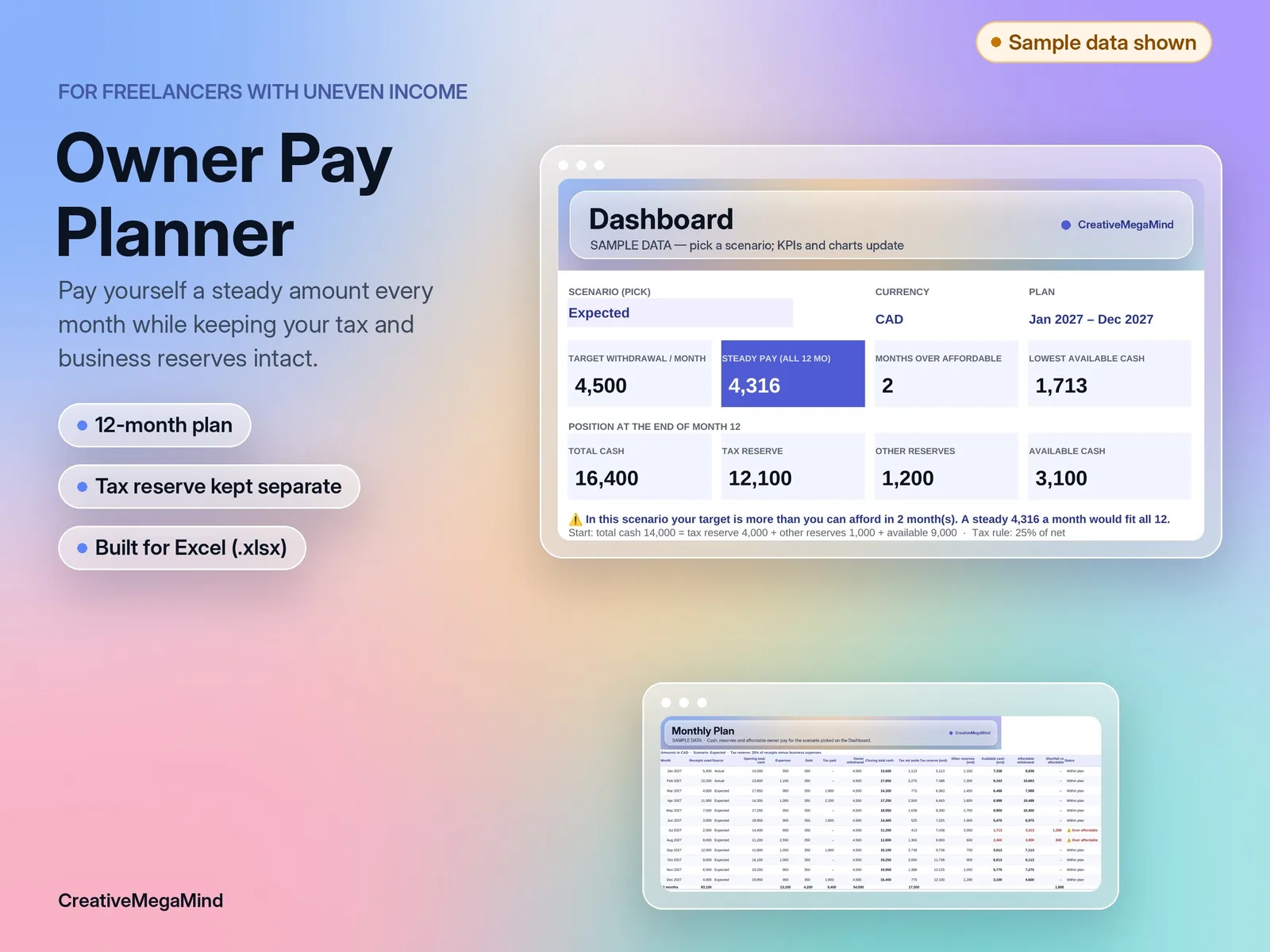
Freelancer Owner Pay Planner
Plan a steady monthly owner withdrawal from uneven freelance income while keeping your tax reserve and business cushion intact. 12-month Excel plan with a worked example.