 CreativeMegaMind
What it does
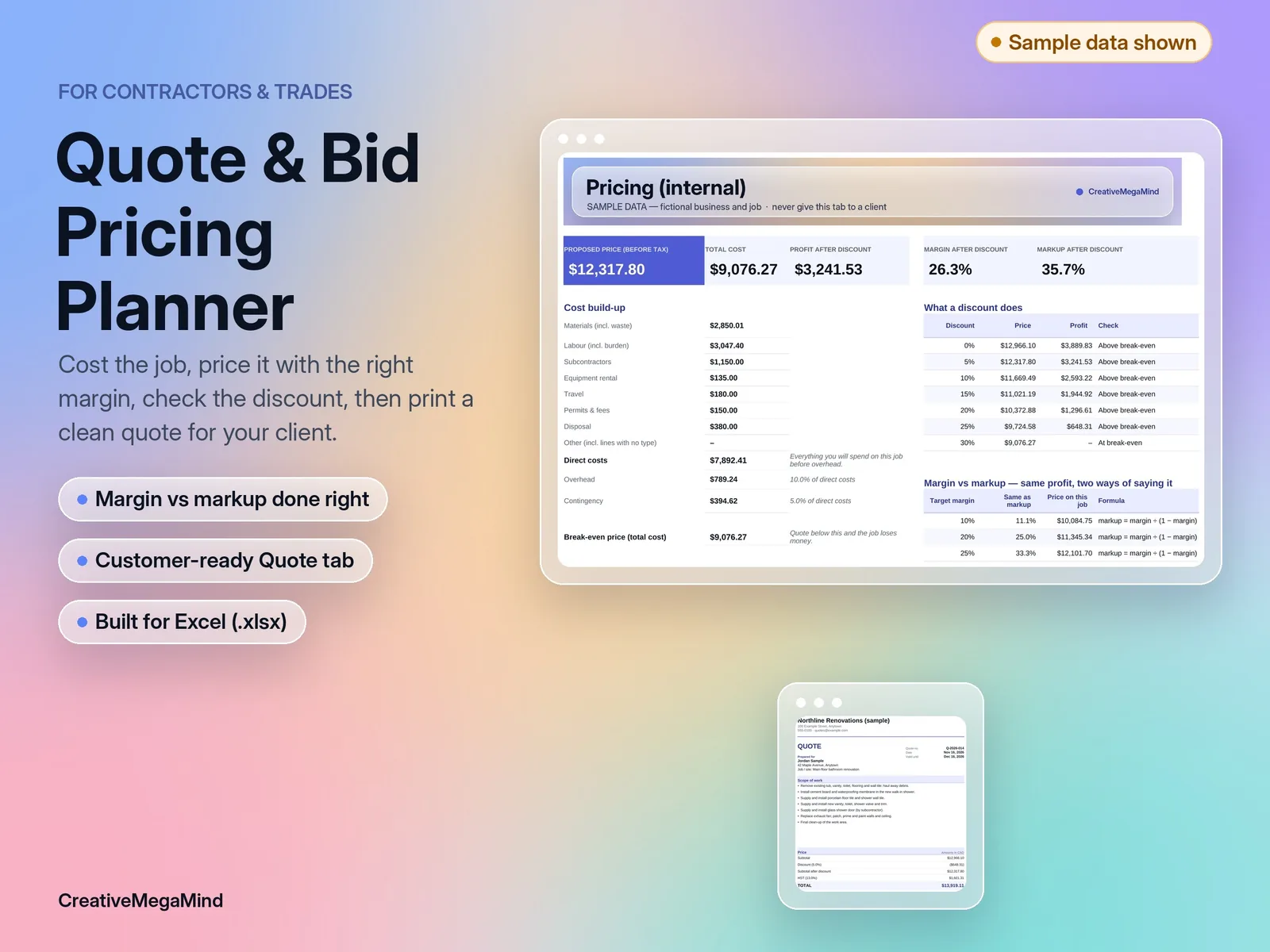
Most underpriced jobs aren't caused by bad work. They're caused by a missed cost, an overhead guess, or a discount that quietly wipes out the profit. This planner walks you through the whole job — materials (with waste), labour (with burden), subcontractors, rentals, travel, permits and disposal — then adds overhead and contingency to give you a true break-even price. From there you choose how to price: target margin (price = cost ÷ (1 − margin)) or markup (price = cost × (1 + markup)). The planner shows both numbers side by side so you never confuse them, warns you when a discount drops below break-even, and tells you the largest discount you can give before you lose money.
- Materials: quantity, unit cost and waste allowance (up to 100 lines)
- Labour: hours, wage and an editable labour burden per task or by default (up to 60 tasks)
- Other costs by type: subcontractors, equipment rental, travel, permits & fees, disposal, other (up to 60 lines)
- Overhead as a % of direct costs or a fixed amount, plus contingency
- Break-even price, calculated price, optional price override, profit, margin and markup
- Discount impact, "largest discount before a loss", and a 0–30% discount table
- Your own tax name and rate, shown as a separate line
- Three scenarios (e.g. material prices +10%, labour overrun) with repricing at a target margin
- A protected, customer-facing Quote tab with a set print area
What's inside
Workbook tabs: Start Here · Job Setup · Materials · Labour · Other Costs · Pricing · Scenarios · Quote. Download: one .zip with 2 Excel workbooks (.xlsx), a PDF user guide and a licence.
Who it's for
- Small renovation, painting, landscaping, handyman and trade businesses that quote jobs one at a time and want a consistent, defensible price.
Free calculator: Markup vs margin calculator
Frequently asked questions
What's the difference between margin and markup?
Margin is profit as a share of the price; markup is profit as a share of the cost. A 30% margin equals a 42.9% markup. The Pricing tab shows both.
Will my client see my costs?
No. The Quote tab shows only scope, subtotal, discount, tax and total. Share only that tab (or its PDF).
Can I use it outside Canada?
Yes. Enter any currency label and your own tax name and rate.
Can I add more lines?
Yes. Unprotect the sheet (Review → Unprotect Sheet), insert rows inside the table and copy the formulas down. The guide explains how.
Does it work in Google Sheets?
It hasn't been tested there yet. It's built for Microsoft Excel.
You might also like
Canada–U.S. Seller Profit & Pricing Calculator
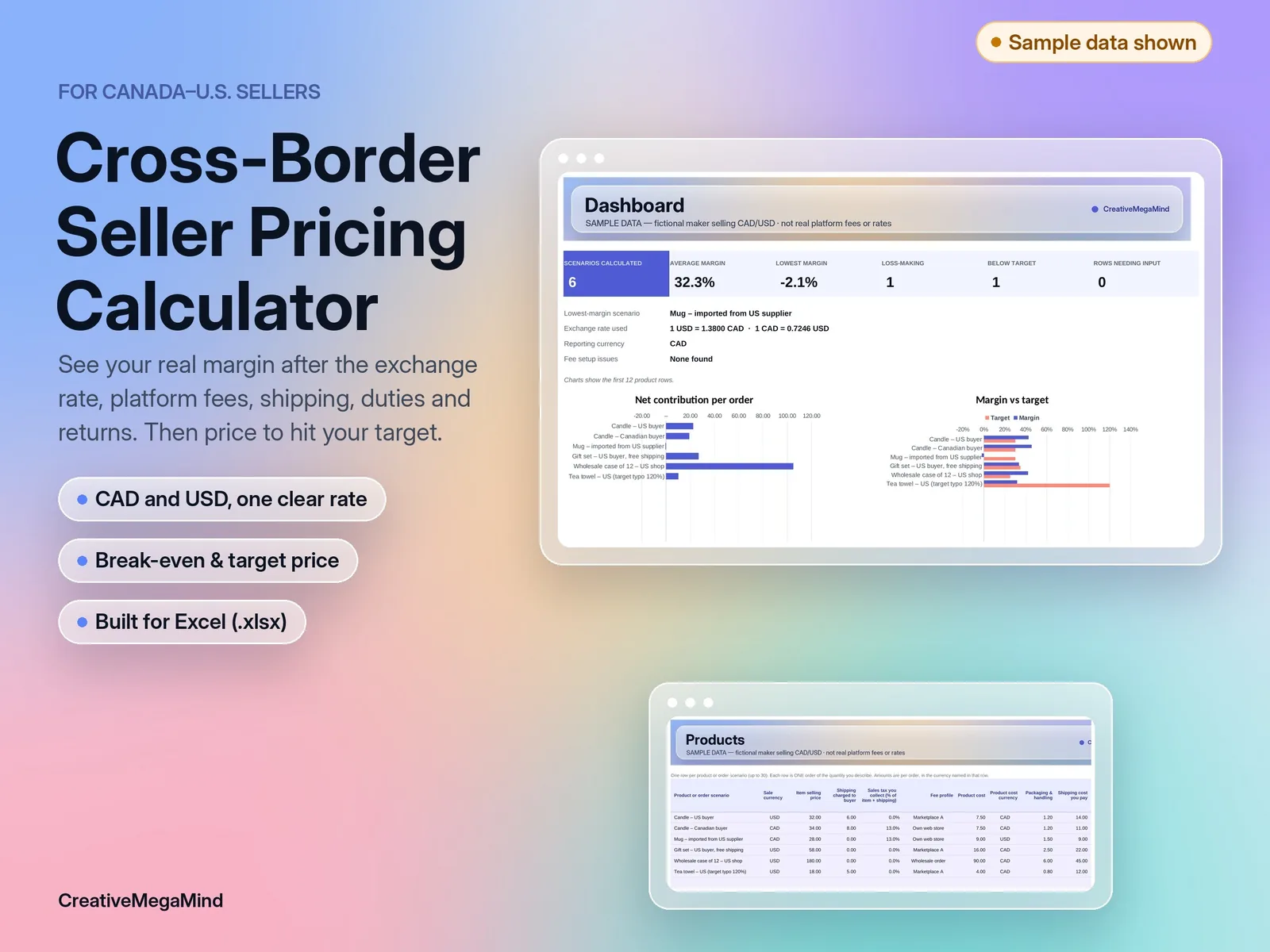
Enter one exchange rate, your platform and payment fees, costs, shipping, duties and return rate. See net contribution and margin per product in one currency, plus the break-even and target-margin price. Excel template with a worked example.
Service Business Cash Runway Planner
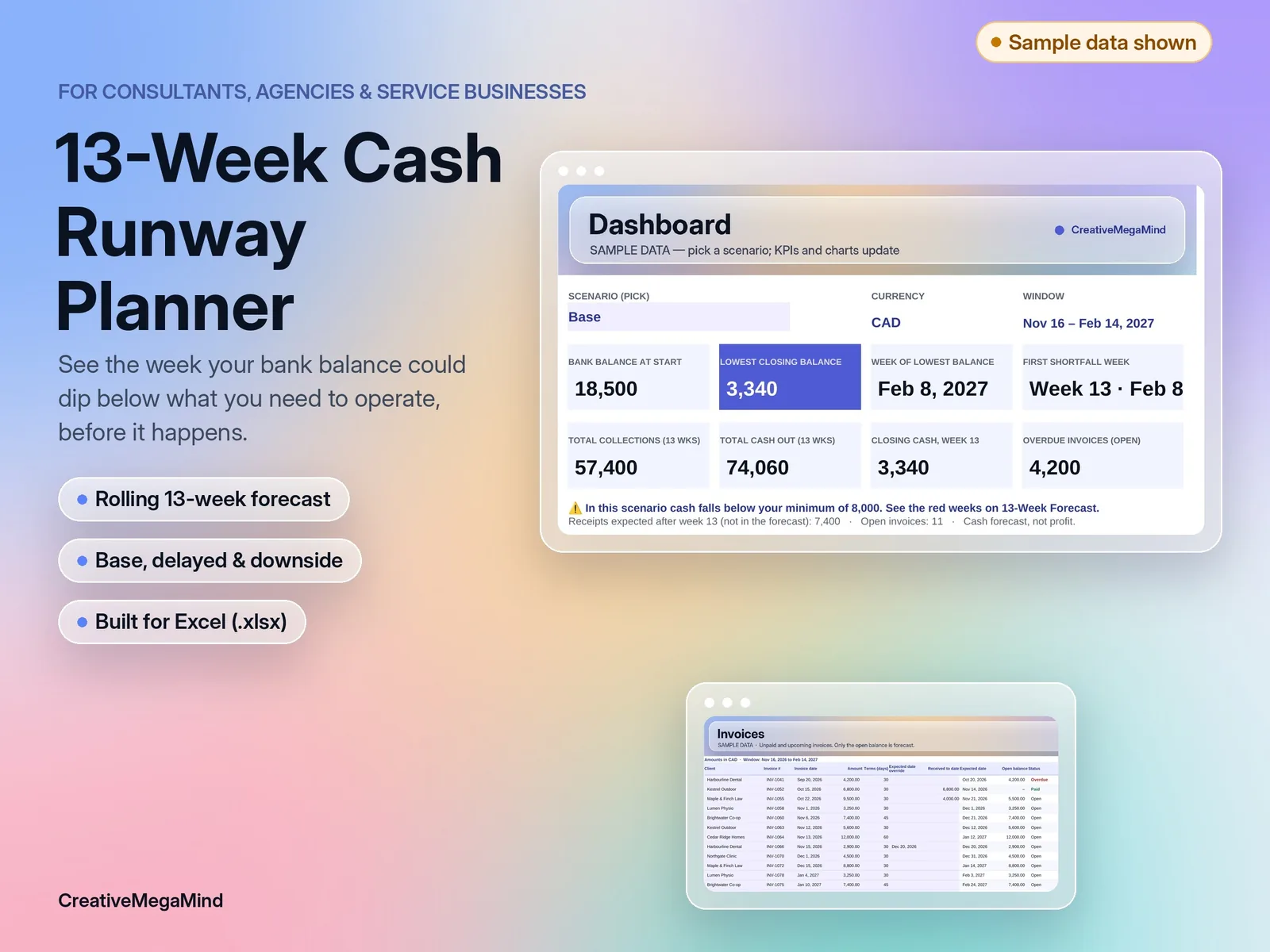
A rolling 13-week cash forecast for consultants, agencies and service businesses. Invoices, payroll, owner draws and bills, week by week, with late-payment and downside scenarios. Excel template with a worked example.
Trades Contractor Job Tracker
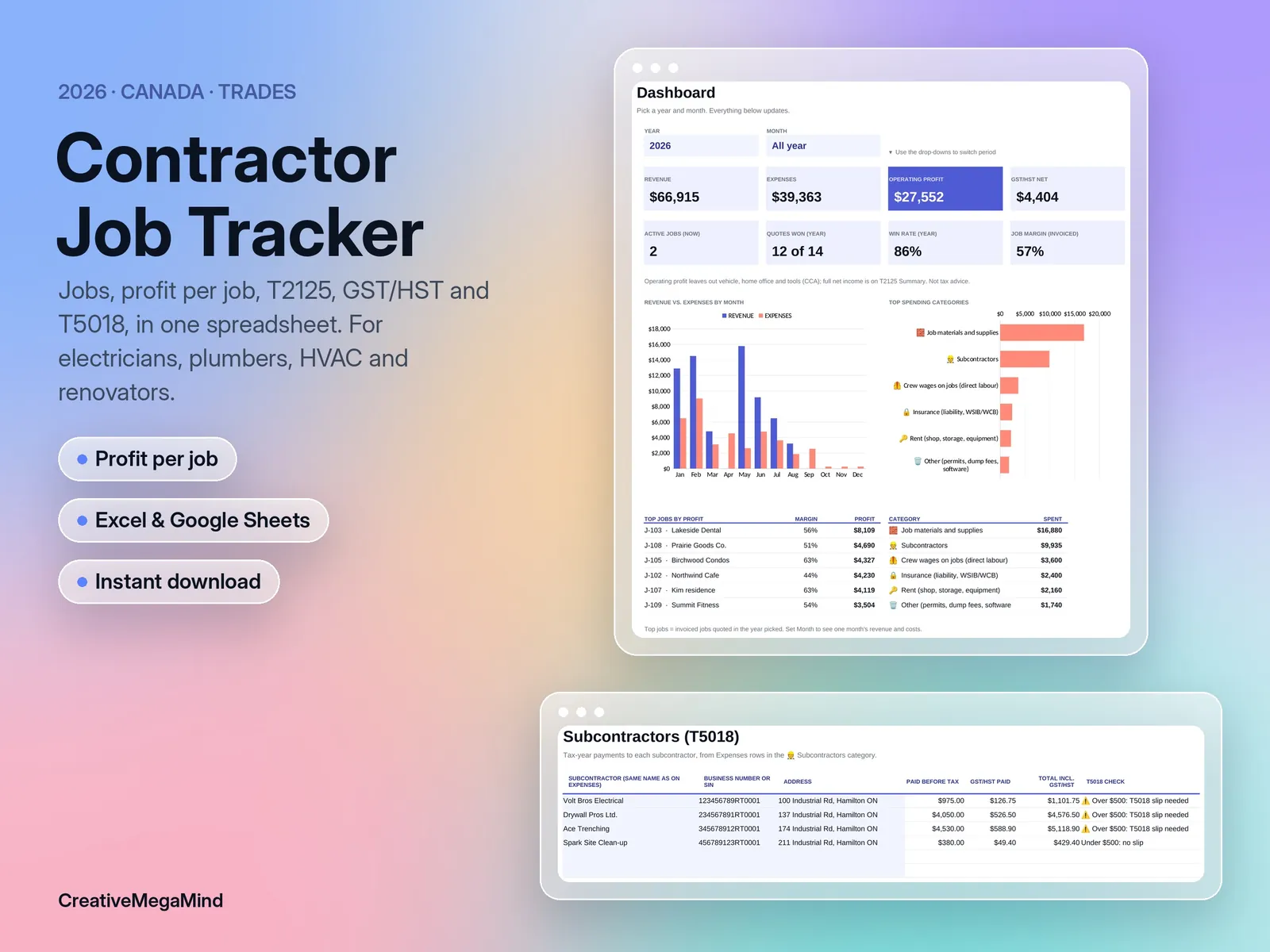
Profit per job, T5018 subcontractor totals and your T2125, for the trades.